YOUR HANDS-FREE ANDROID ASSISTANT
Your day,
a little lighter.
The thought. The task. The thing you nearly forgot.
Just say it. Kibboo helps you take it from there.
Made for Android · Currently in internal testing
SMALL REQUESTS. USEFUL HELP.
A lot on your mind?
Start with a sentence.
From a fleeting thought to your next to-do,
Kibboo makes room for the rest of your day.
TRY SAYING SOMETHING LIKE
Hey Kibboo, add coffee to my shopping list.
Keep tasks, notes and managed lists together, without stopping to type.
SAY HELLO TO A SIMPLER ROUTINE
Less setup.
More “sorted.”
A voice assistant that starts with your voice.
- 01
Make it yours
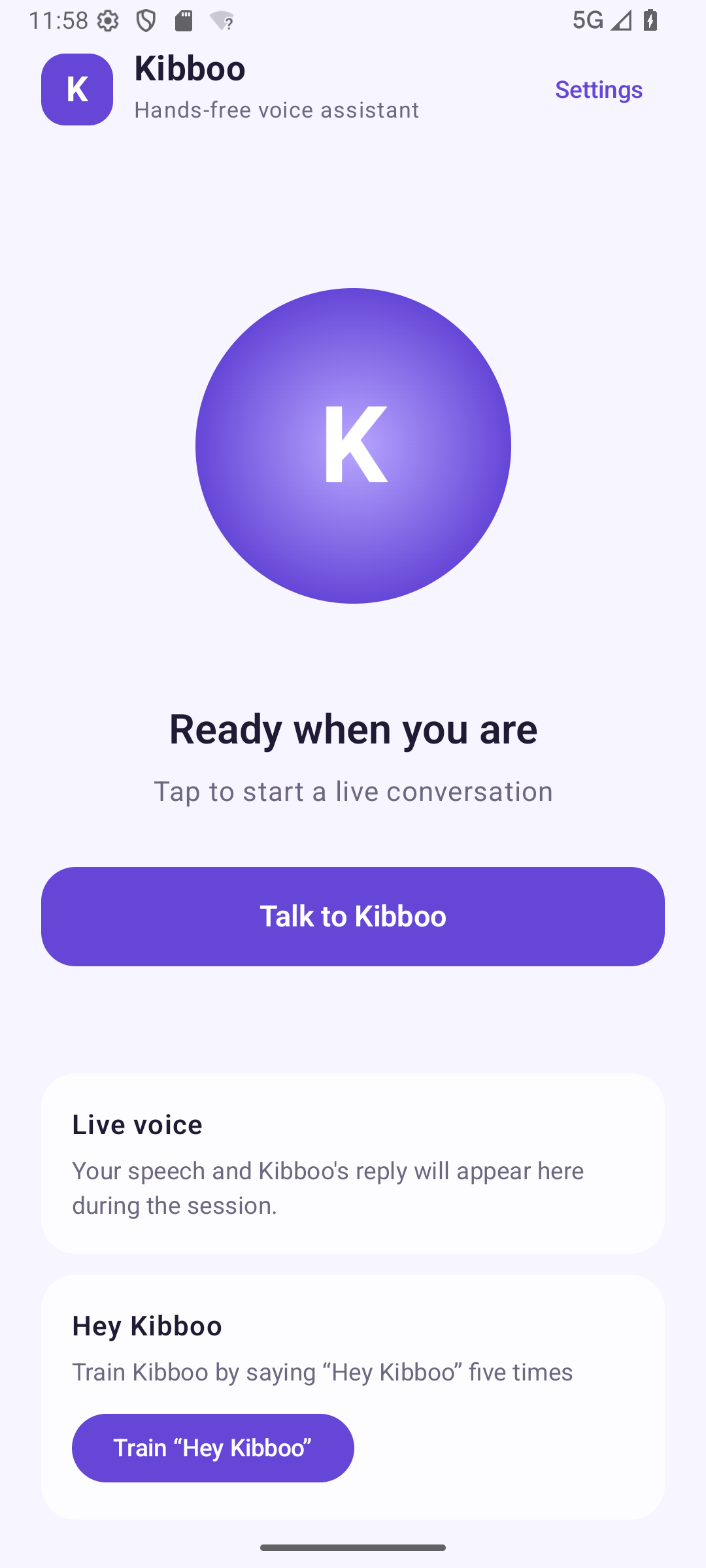
Train “Hey Kibboo” by saying it five times. Your wake-phrase templates stay on your phone.
- 02
Ask naturally
Say the wake phrase or tap to talk. Speak your request and follow the live conversation transcript.
- 03
Keep the final say
Review consequential actions before confirming them. Connect optional services when you want to use them.
HELPFUL BY DESIGN. YOURS TO CONTROL.
A helping hand.
You’re still in charge.
Useful AI should come with clear choices. Kibboo puts them right in the app.
- A wake phrase that stays local.Wake detection happens on your phone. Connected conversations send audio to AI services after activation.
- Pause, export, delete.Pause the microphone, choose local-only mode, or export and delete your local assistant data.
- Connect on your terms.Optional integrations start disconnected. Review drafts and consequential actions before taking the next step.
GOOD QUESTIONS
A little more
about Kibboo.
Can I download Kibboo yet?+
Kibboo is currently in internal testing on Android. A public Google Play download link will be added here when the app is available.
Does it work on iPhone?+
Kibboo is currently being developed for Android. There is no iPhone release to announce.
Does Kibboo need an internet connection?+
Connected voice conversations, web research and image analysis need internet access. Wake-phrase detection runs locally, and the app offers local-only controls.
What can I connect?+
The development app includes optional Trello connection, Android calendar and contact permissions, and drafts that open in installed communication apps. Availability depends on your device, permissions and setup.
Is Kibboo always sending audio?+
Wake-phrase detection and its trained templates stay on your device. After activation, connected conversation audio is sent through Kibboo’s broker to AI services. You can pause the microphone in Settings.
SOMETHING HELPFUL IS TAKING SHAPE
Your next extra pair of hands.
Just a “Hey Kibboo” away.
Coming to Android. Currently in internal testing.
 Getting ready
for your everyday.Public download coming later